



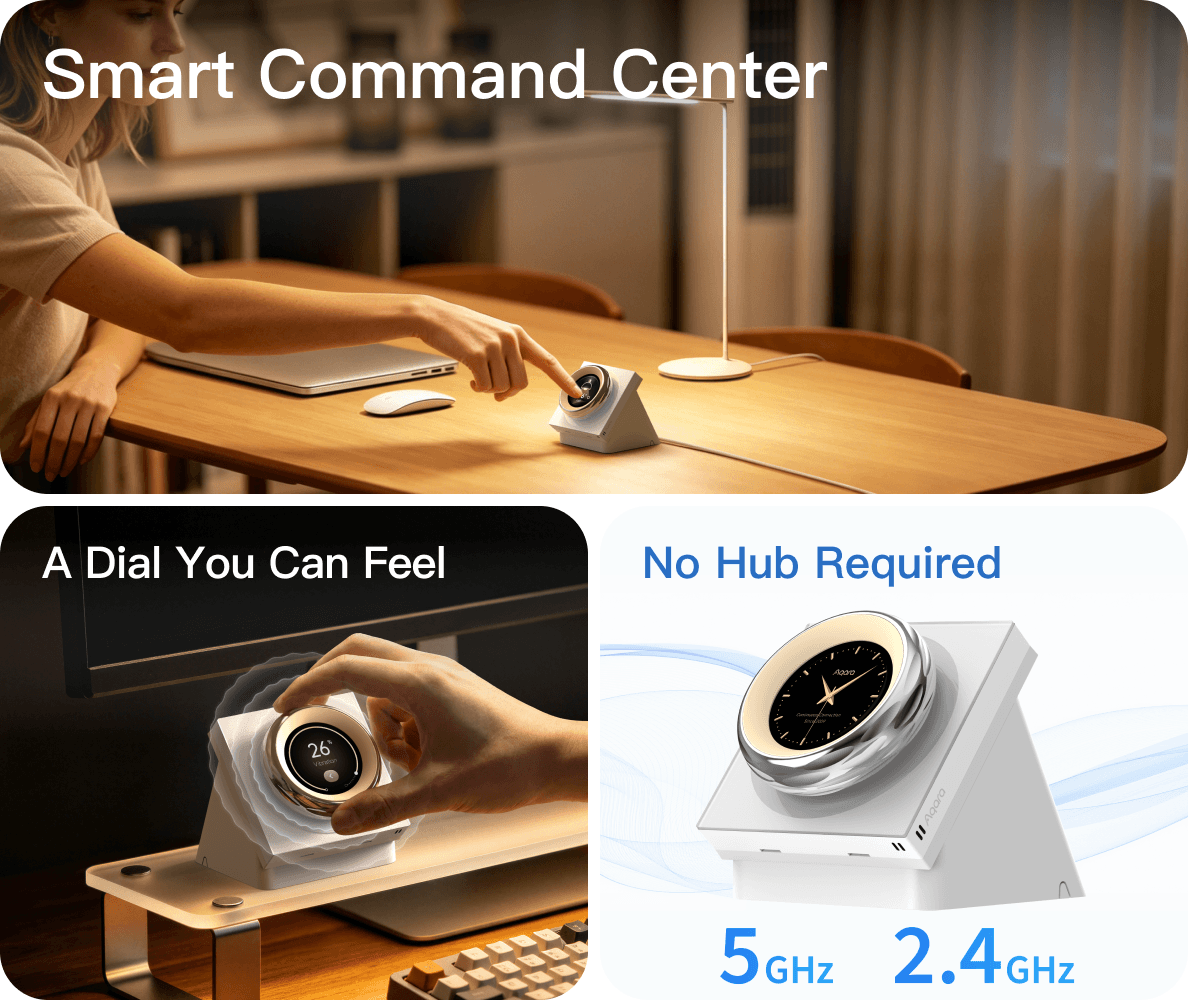
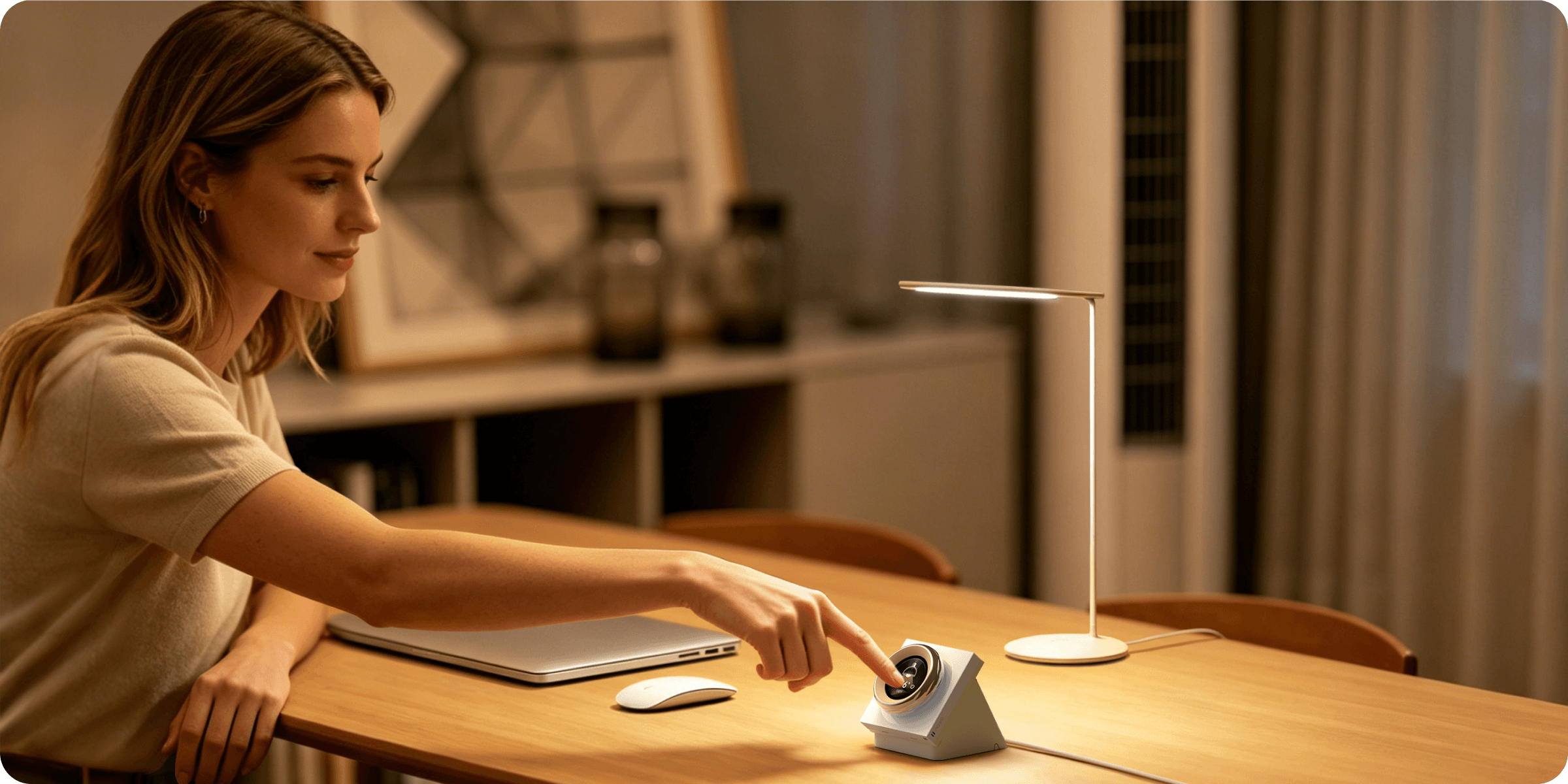
Smart Command Center
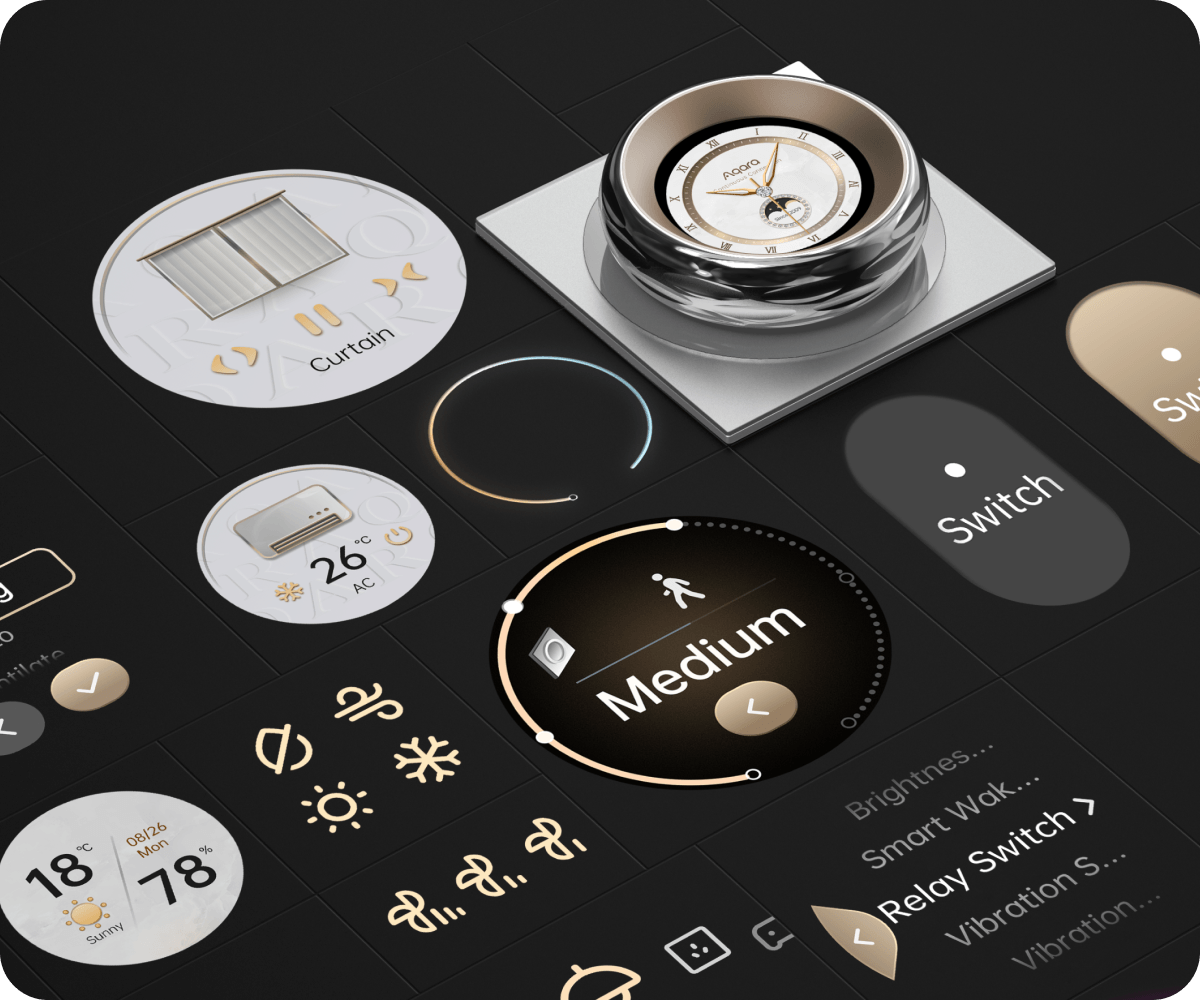
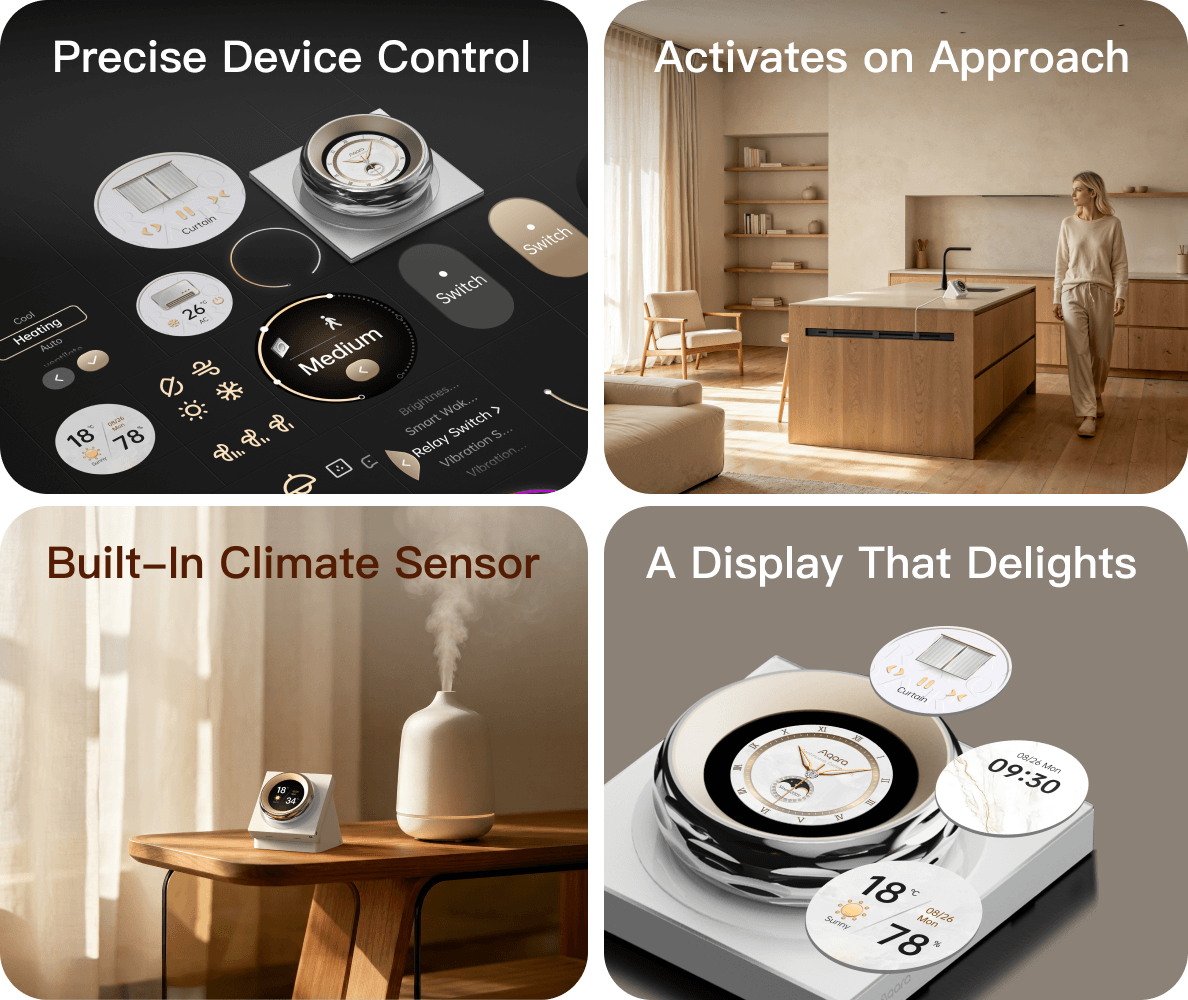
Precise Device Control
Using the dial*, control of air conditioning, lighting brightness, curtain positioning, and even changing lighting color becomes intuitively satisfying.
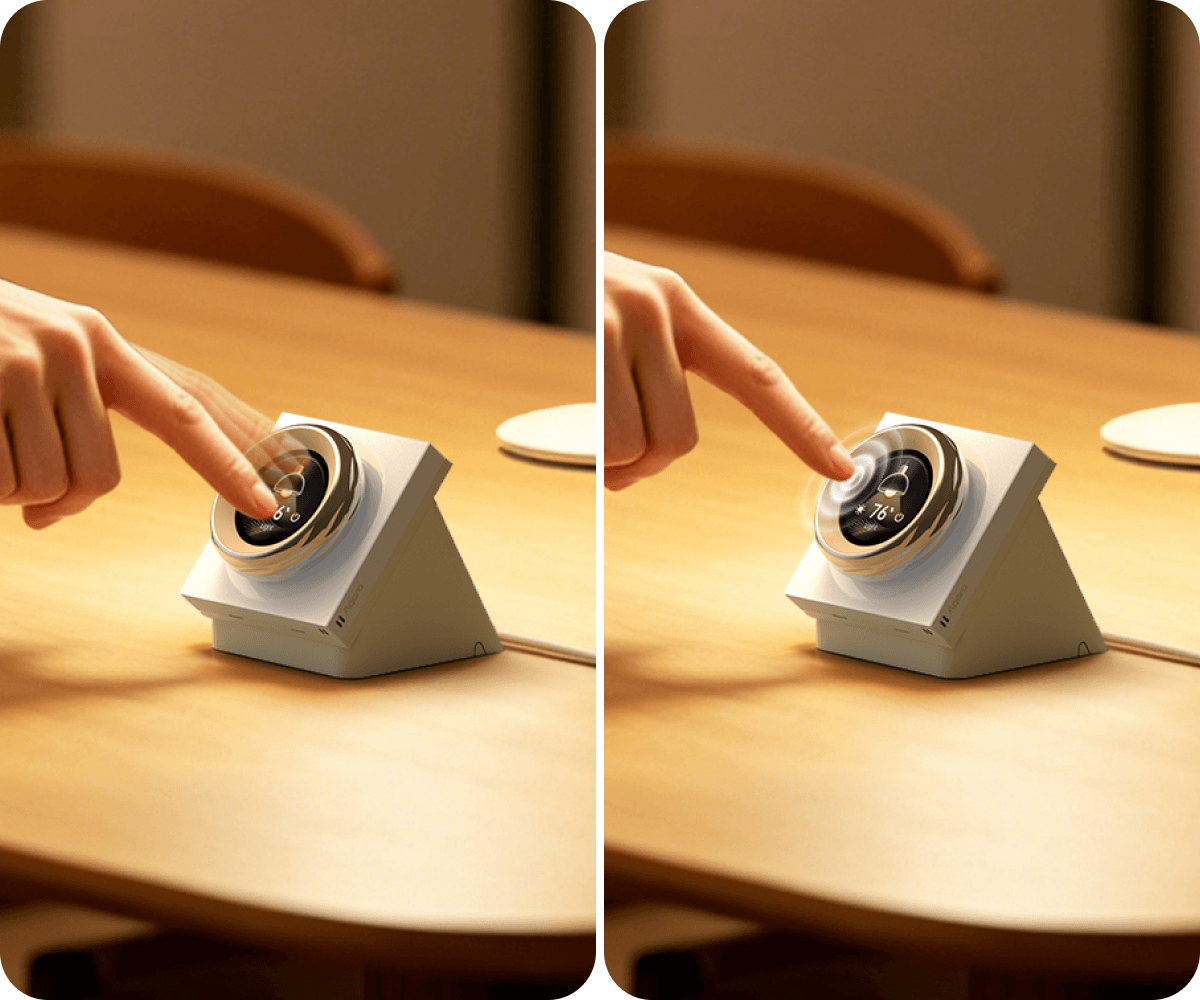
Navigate Devices the Easy Way
Supports convenient device navigation through intuitive interactions: swipe left/right to move one at a time, or press and hold to use the dial* for quick scrolling.
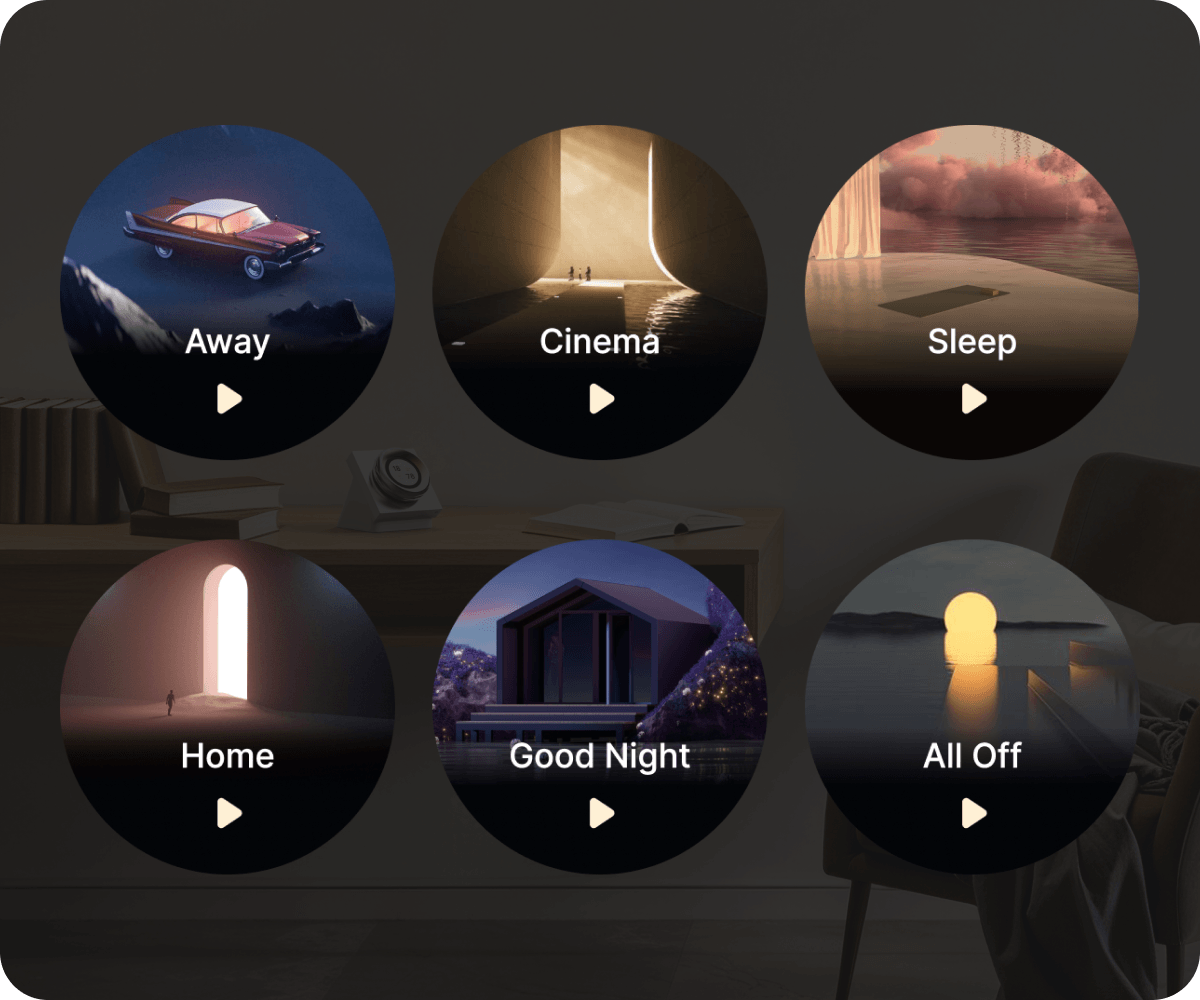
Access Scenes & Routines
Supports configuration of up to 6 wireless switches for automation and one-tap Aqara scene access.
A Dial You Can Feel
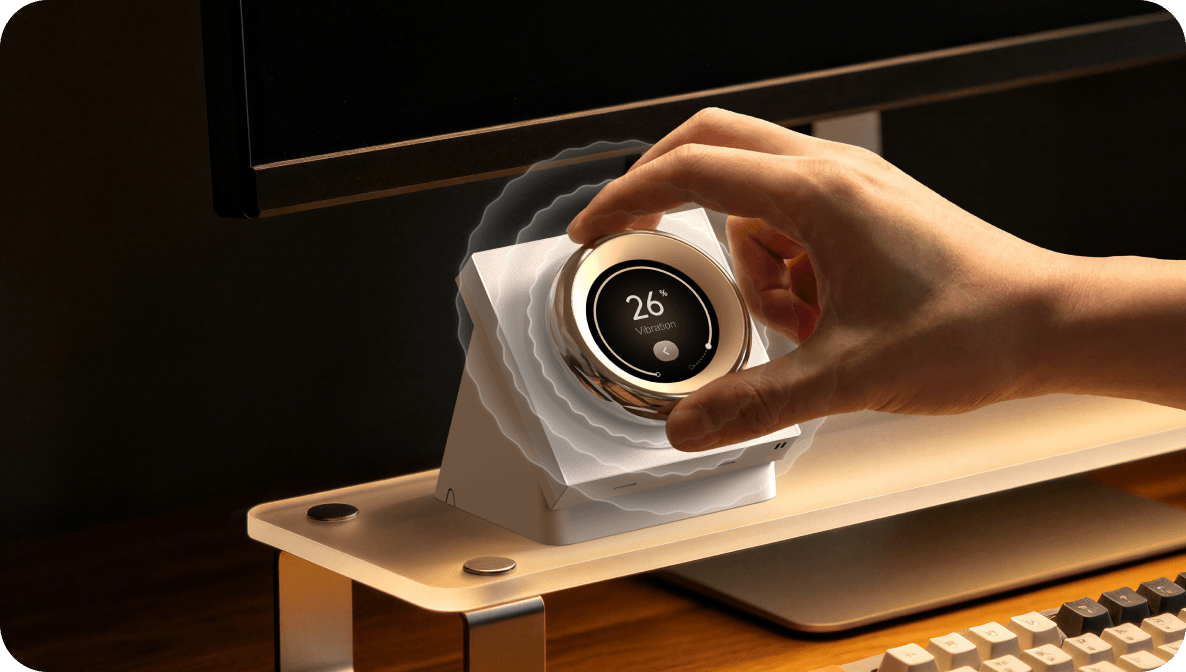
Tangible Vibration Feedback
Now with adjustable vibration settings and audio feedback for clear, multi-sensory confirmation.
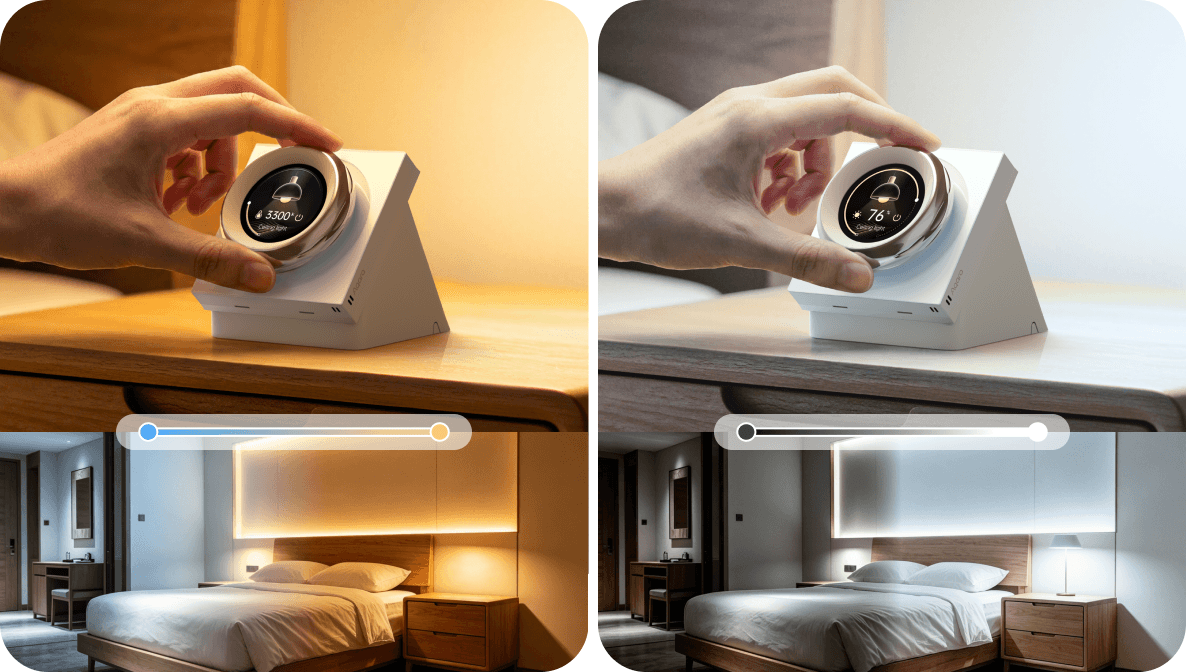
Turn-Based Adjustment
Turning the dial* can adjust the temperature of color lights, brightness of dimmable lights, curtain opening percentage, AC, and device-list scrolling..
No Hub Required
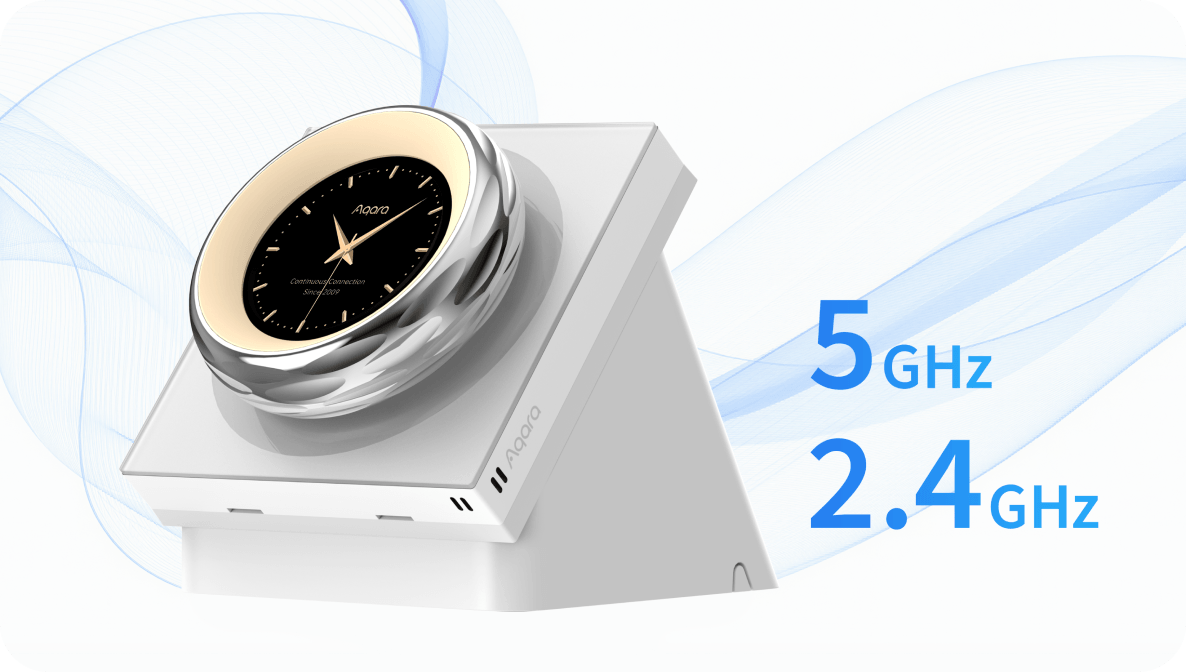
Dual-Band Wi-Fi Control
Supports independent control with dual-band Wi-Fi and offers flexible network options.
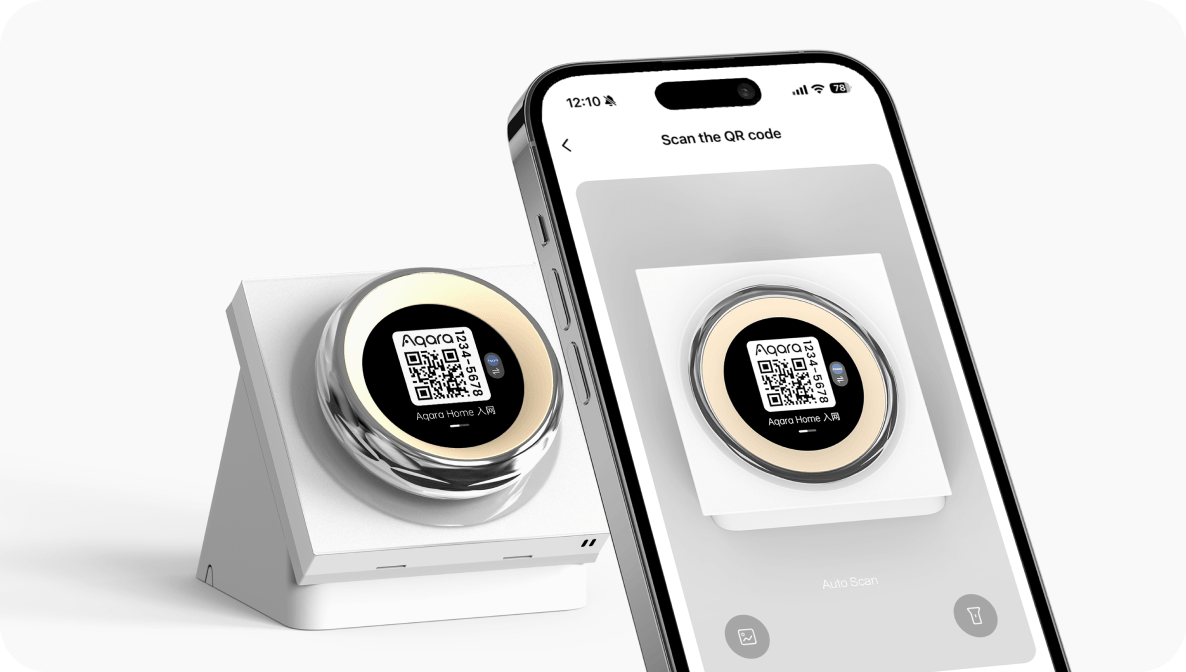
Easy Ecosystem Access
Supports code scanning for HomeKit or Aqara Home access and also works with Amazon Alexa, and Google Home.
Activates on Approach
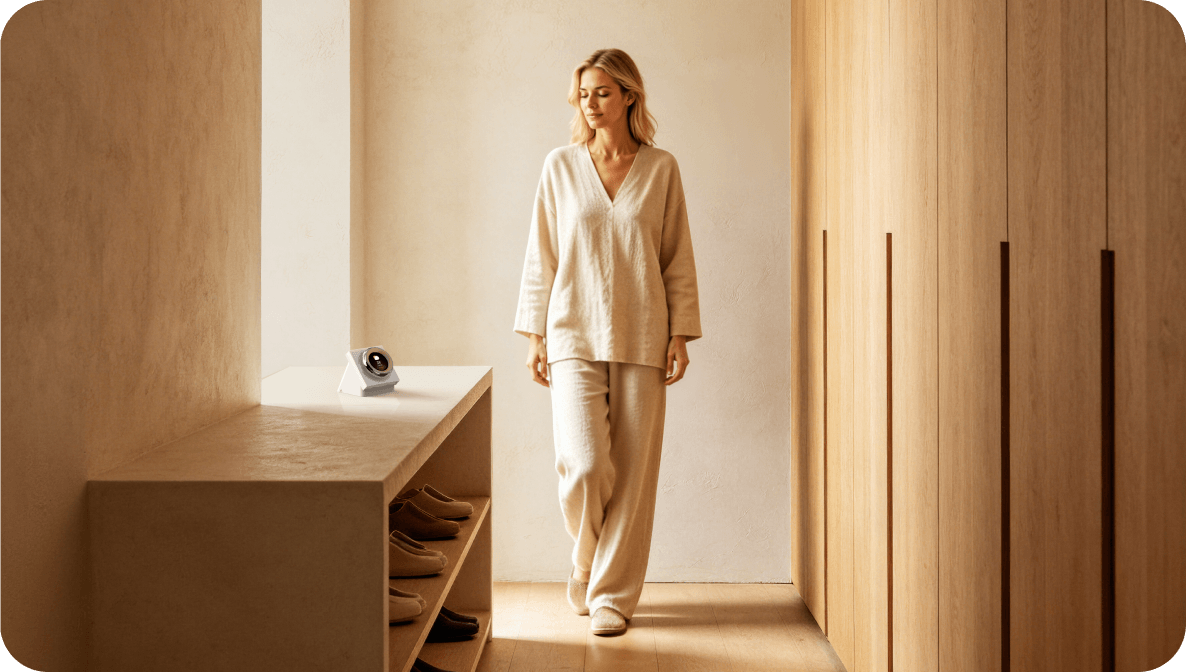
Proximity-Based Screen Activation
The screen automatically activates on approach, avoiding the manual tap-to-wake process. The approach distance can also be adjusted, allowing you to fine-tune sensitivity to your space.
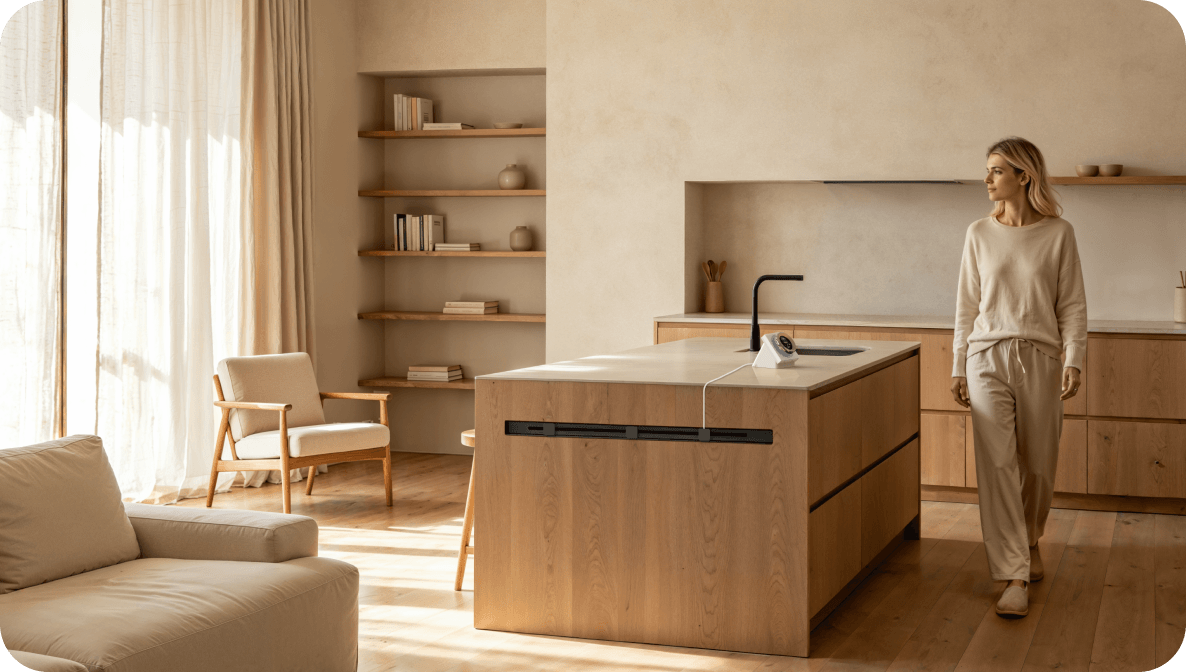
Proximity Automation Triggers
Proximity can also be used as an automation trigger, activating device or scene based on your preference.
Built-In Climate Sensor
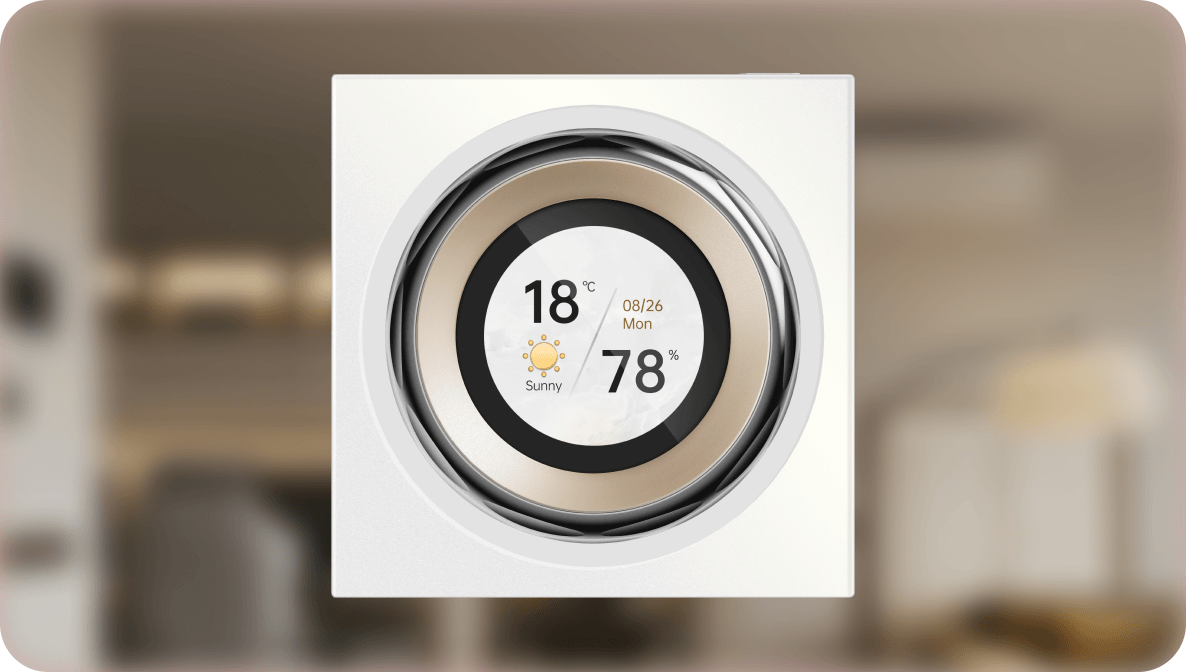
Sensing the Comfort of the Room
Includes built-in temperature and humidity sensor, with the option to link other Aqara climate sensors in other rooms and display relevant data on the screen via device card/screensaver.
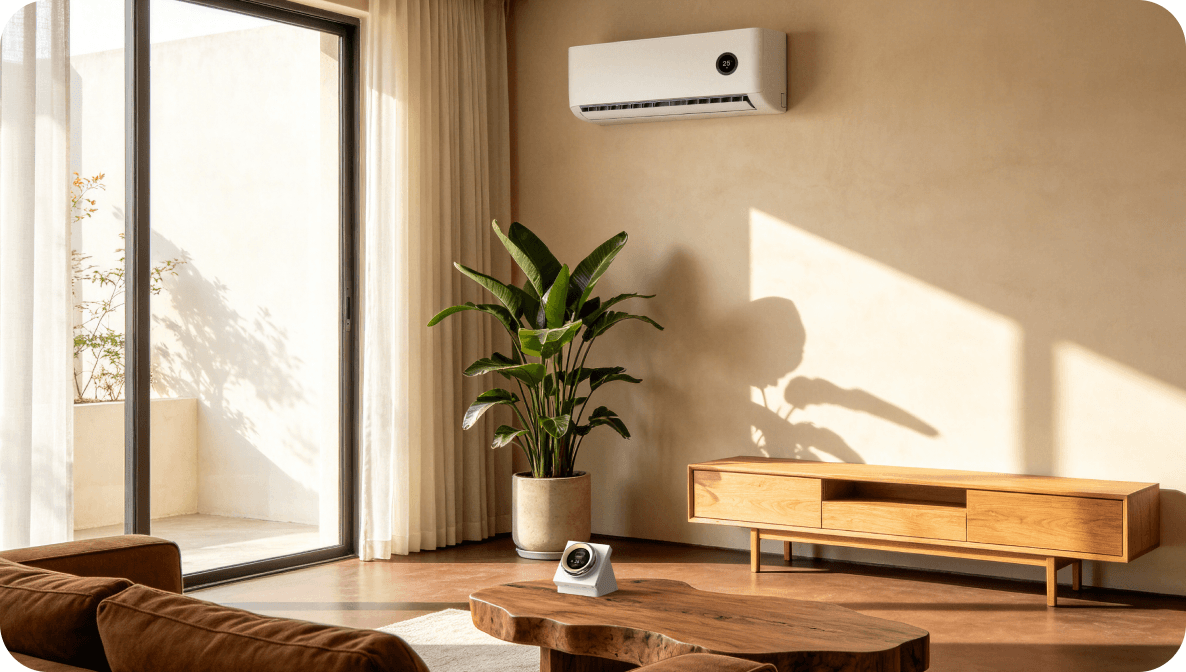
Temperature & Humidity Automation
Supports automations based on dial's temperature and humidity readings, expanding your smart home routines.
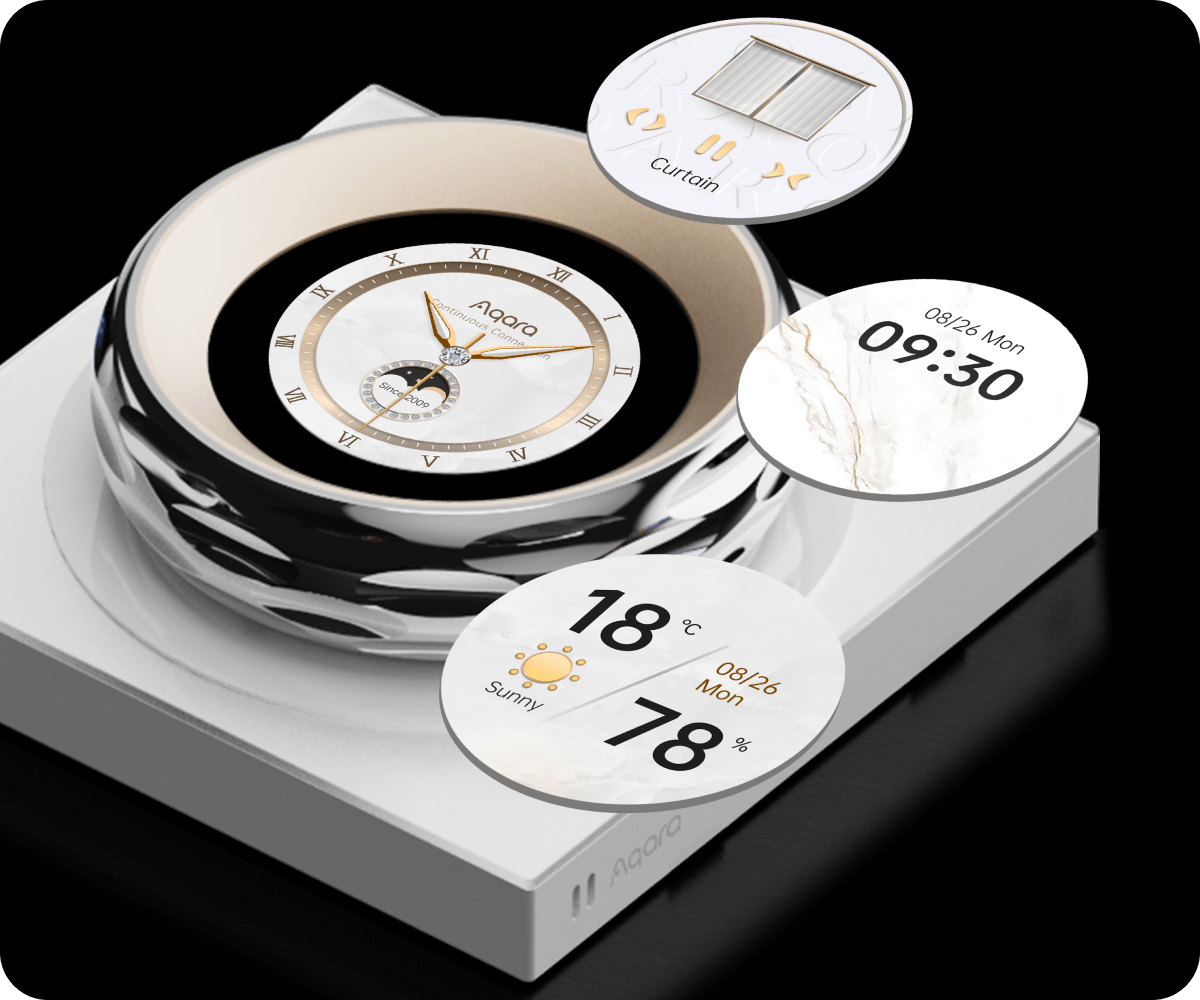
A Display That Delights
The display can show different screensavers, weather, time, room temperature, and you can choose between light or dark themes on your preference.
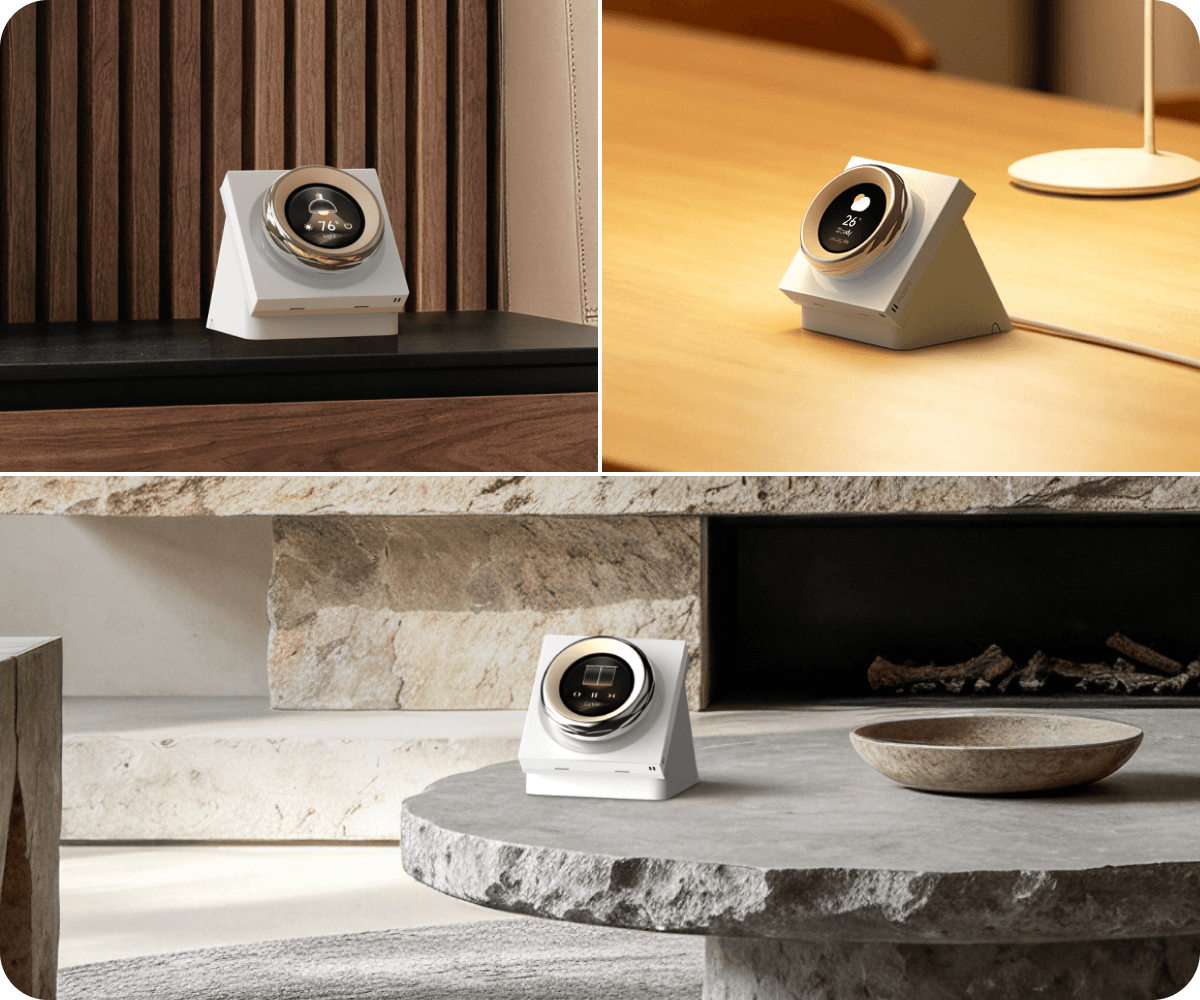
Minimalist Fit
The slim, minimalistic design of the Touchscreen Dial V1 EU (Desktop) complements home interiors, being stylish, intuitive, and fun to use.
Smart Automation
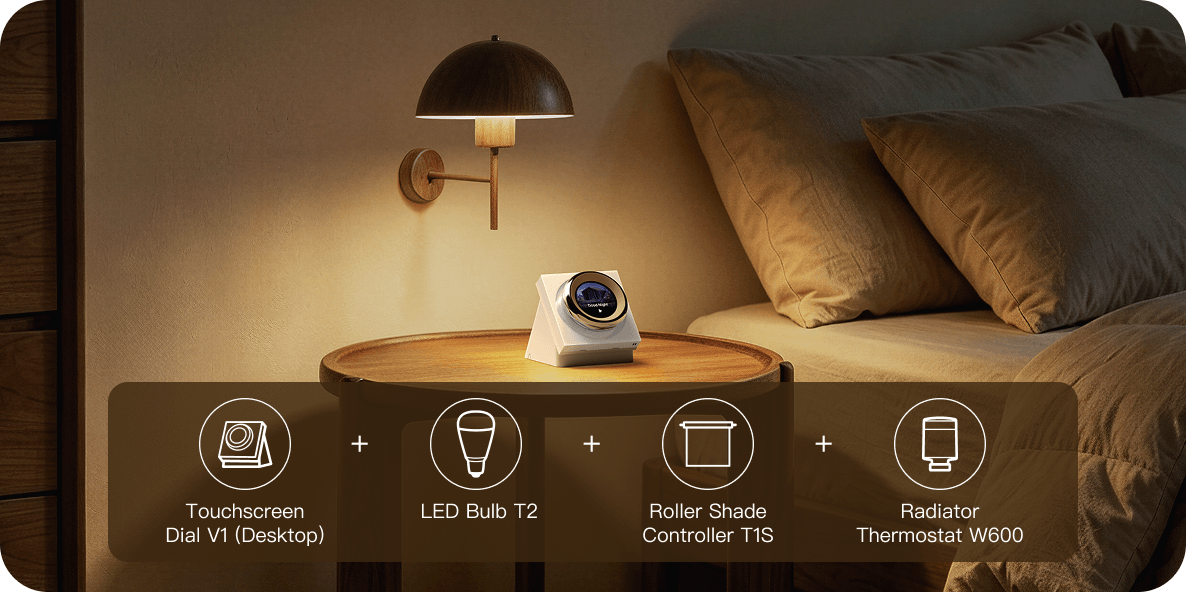
Sleep Mode
WHEN Trigger “Sleep” scene
IF Current temperature is below 20°C
THEN Dim LED Bulb T2 to 10% brightness;
Set color temperature to 2700K;
Close Roller Shade Controller to 100%;
Set Radiator Thermostat W600 to 18°C;
After 5 minutes, turn off LED Bulb T2.
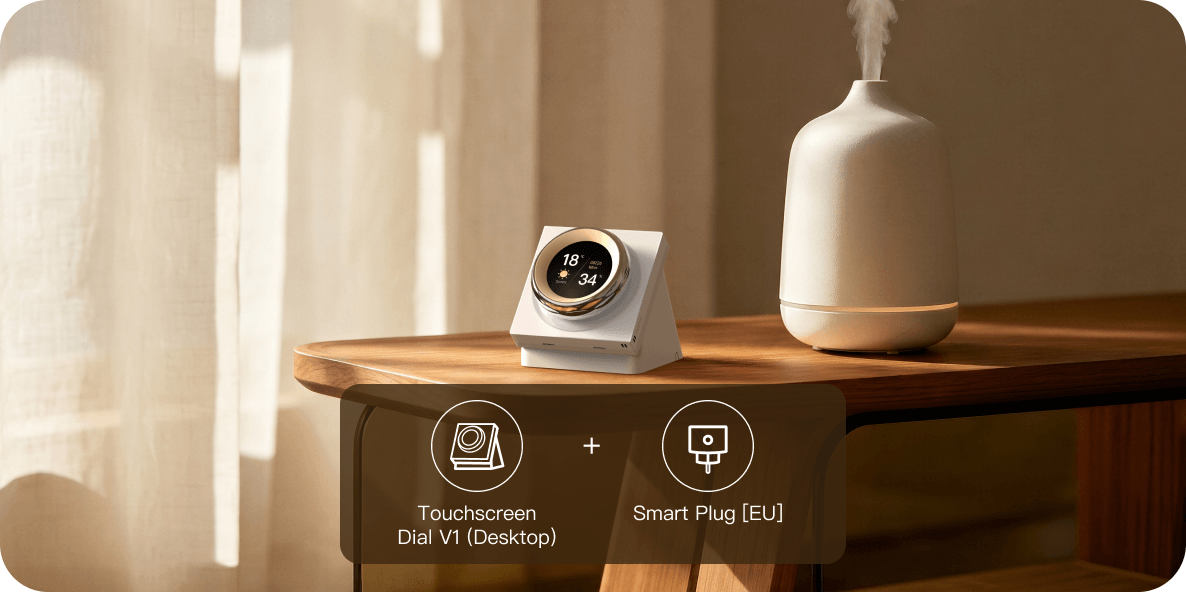
Humidity Comfort Control
WHEN Humidity is detected to be below 40%
THEN Turn on the Smart Plug (activate the humidifier);
WHEN Humidity is detected to be above 65%
THEN Turn off the Smart Plug (deactivate the humidifier)
