



Unlock a Smarter Life with Aqara and Apple Home

As one of the major partners in the Apple Home ecosystem, Aqara offers one of the most comprehensive suites of Apple Home-compatible solutions, with over 340 products spanning 15 categories.

The combination of Aqara devices and Apple Home makes your home smarter and more comfortable.

Control Your Way. Security You Can Trust.

Unified Control

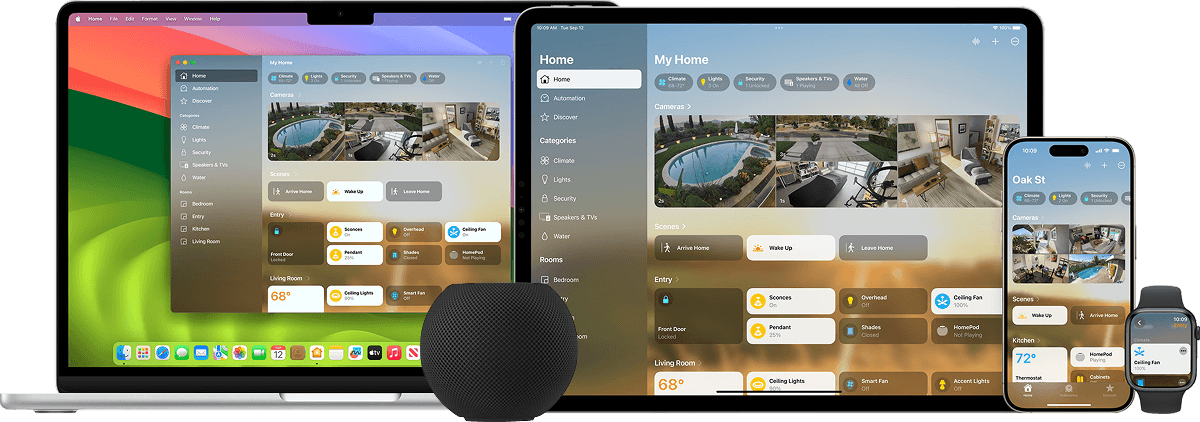
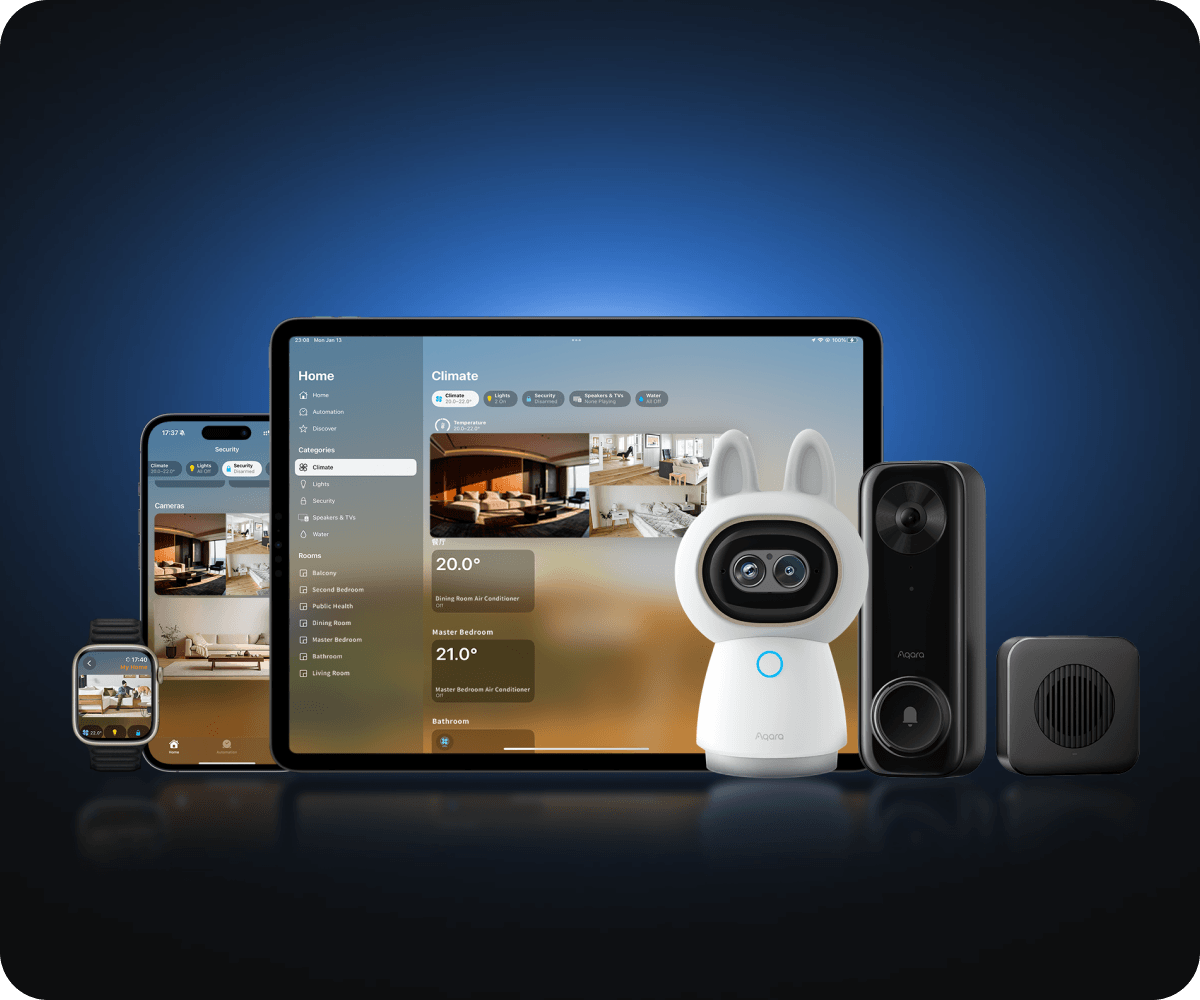
Manage all your HomeKit-enabled accessories directly from the Home app on your Apple devices, including iPhones, iPads, Macs, and Apple Watches.

Siri Control

Use Siri voice commands to control your devices. Just say “Hey Siri, turn on the living room lights” or “Hey Siri, set the thermostat to 21 degrees.”

Wrist Flick

Control your smart home devices with a simple wrist flick on your Apple Watch.

Secure & Private

All communication between your Apple devices and your Aqara devices is encrypted end-to-end.

*Apple, Apple Home, HomeKit, and Siri are trademarks of Apple Inc., registered in the U.S. and other countries and regions.

Advanced Apple Home Features


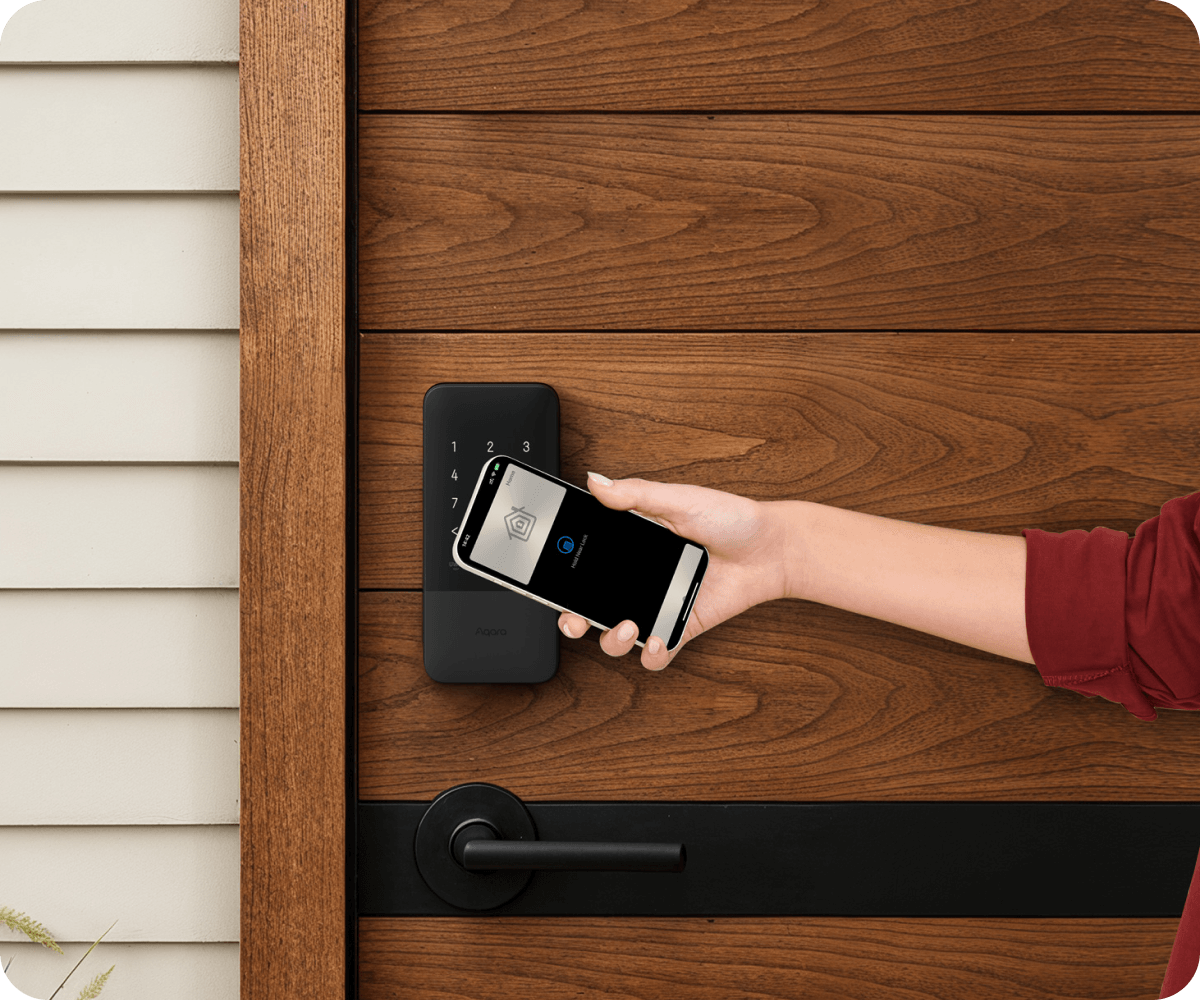
UWB Hands-Free Unlocking

Powered by Ultra-Wideband (UWB), the Smart Lock U400 unlocks as you approach with your iPhone or Apple Watch — a hands-free, privacy-preserving entry experience with no codes and no biometric checks.
*UWB unlock works with select iPhone and Apple Watch models and requires a Thread-enabled Apple home hub (e.g., HomePod mini or Apple TV 4K).
 **Supported Device: Smart Lock U400

Adaptive Temperature

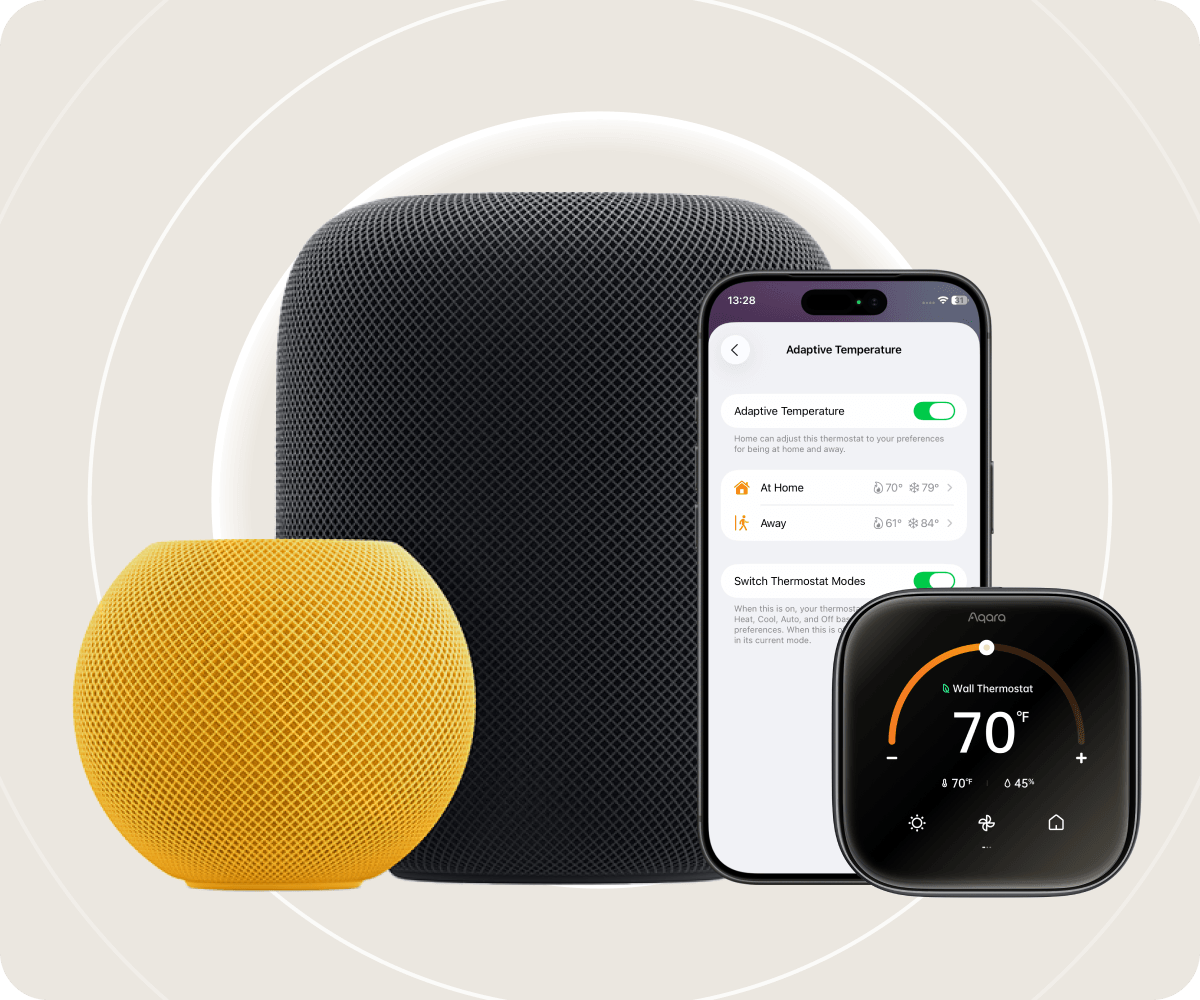
With the Apple Home app, Adaptive Temperature uses your iPhone to automatically adjust the thermostat based on your activity states like 'home', 'sleep', 'away' and 'extended away'. This provides users comfort upon their arrival home and saves energy when they are away, without the complicated steps of creating or managing schedules.
*Adaptive Temperature requires all members of the Home app must be using an iPhone or Apple Watch running software version 26 or later. A home hub, such as Apple TV or HomePod, running software version 26 or later is required.
 **Supported Device: Thermostat Hub W200

Home Key

Use your iPhone or Apple Watch to unlock compatible Aqara smart locks. With Home Key, your digital key is stored in the Apple Wallet app and uses secure elements and end-to-end encryption to ensure privacy and security.
*Supported Devices: Smart Lock U400, Smart Lock U300, Smart Lock U200, and more.

HomeKit Secure Video

Aqara cameras and video doorbells boast HomeKit Secure Video that allows you to record and store footage with end-to-end encryption. You can view live or recorded video through the Home app on your iPhone, iPad, Mac, and securely share clips when needed.
*Supported Devices: Camera Hub G350, Doorbell Camera G400 (Wired), Doorbell Camera Hub G410, and more.

Adaptive Lighting

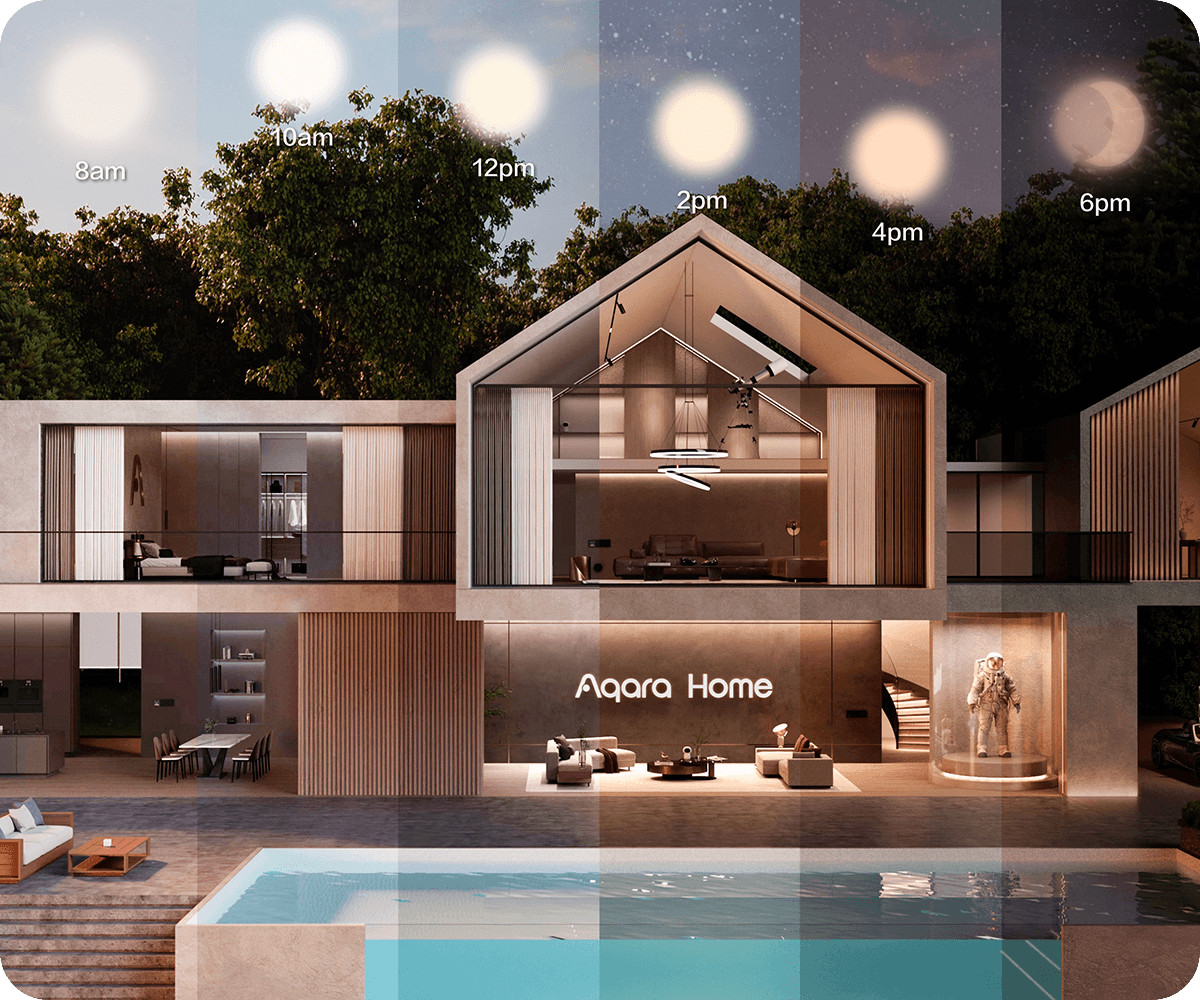
This feature enables compatible Aqara lights to automatically adjust their color temperature throughout the day to align with your circadian rhythm and the natural light outdoors.

*Supported Devices: LED Bulb T2, LED Strip T1, Ceiling Light T1M, and more.

Discover the Aqara X Apple Smart Home Experience

Affordable Apple Smart Home Ideas with Aqara
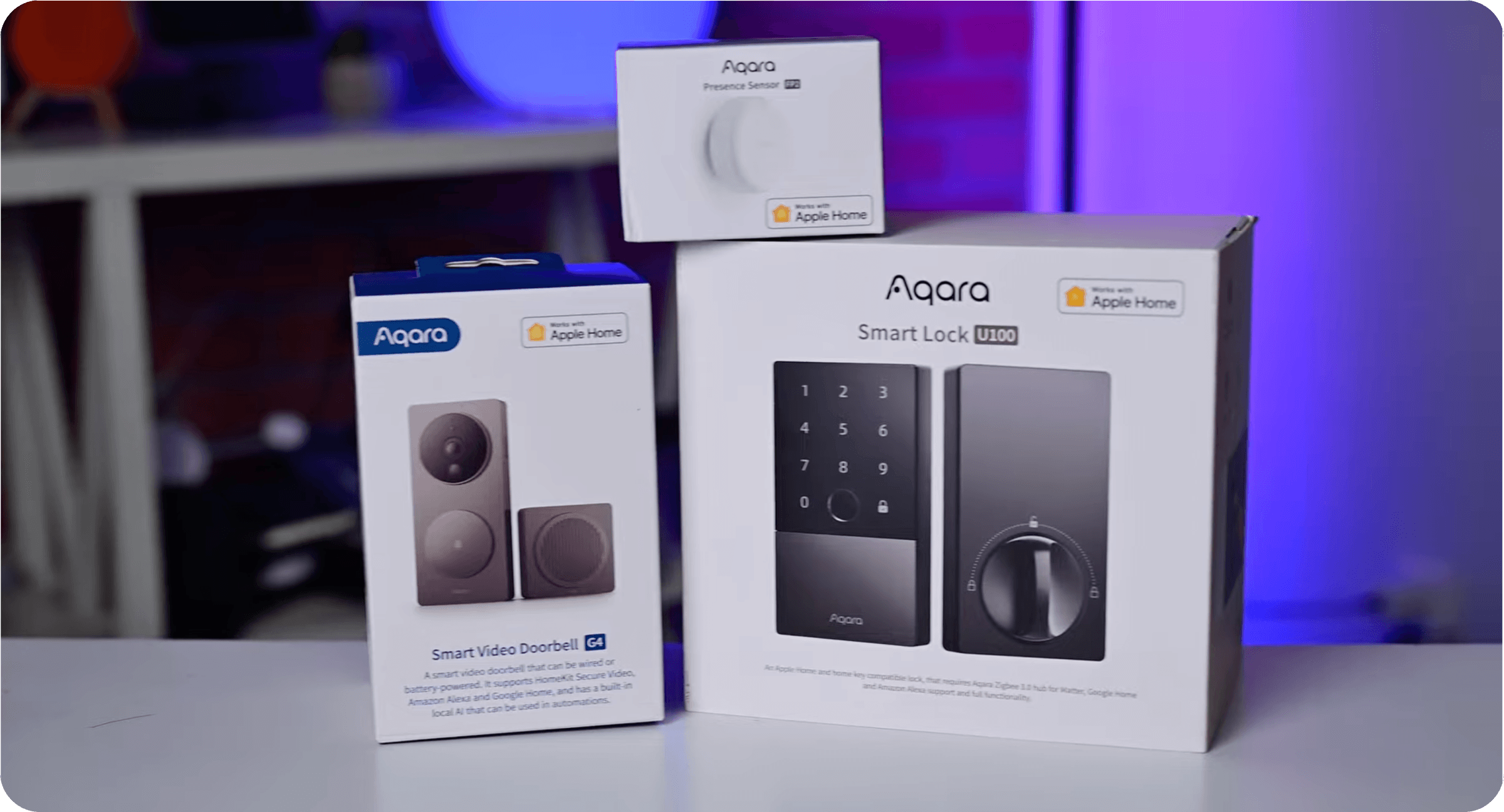
Make Your Home Smarter with Aqara & Apple HomeKit

Want to learn how Aqara works seamlessly with Apple Home? Join our discussion in Aqara forum.

Get Started in Minutes

Get the Home App

The Home app is already pre-installed on your iPhone, iPad, and Mac.

Add Aqara Device

Simply open the Home app, tap the ‘+’ icon, and scan the unique HomeKit QR code found on our product.

Start Controlling

Your device is now added! You can start using Siri, create automations, and enjoy all the features Apple Home has to offer.

Set a Home Hub

To remotely control your devices, you need to set up a HomePod, HomePod Mini, or Apple TV as a home hub.

Frequently Asked Questions

1. How does Apple Home protect my privacy and security?

Apple Home is built with end-to-end encryption to protect all communications between your devices and your iPhone. Your video recordings and other sensitive data are kept private and secure, accessible only to you.

2. Do I need a special hub to use compatible Aqara products with Apple Home?

No! Our products connect directly to Apple Home over Wi-Fi or Thread. However, to control your accessories while away from home and to run automations, you will need a home hub (HomePod, HomePod mini, or Apple TV).

3. Are your products compatible with other smart home platforms?

Many of our products are also compatible with the Matter standard, allowing them to be used with other popular smart home platforms like Google Home and Amazon Alexa. Check each product’s details for specific compatibility.

4. Can I still use the Aqara Home app?

Yes! While you can control all core functions through the Apple Home app, our native Aqara Home app may offer additional features like firmware updates and advanced settings.

Start Building Your Apple-Powered Smart Home

Scroll to Top

Please select your country/regions

사용자위치를선택하세요.

Bitte wählen Sie Ihr Land/Ihre Regionen aus

North America

Select another country or region to get content and online shopping options that apply to your location

사용자위치를선택하세요.

Wählen Sie ein anderes Land oder eine andere Region aus, um Inhalte und Online-Einkaufsoptionen zu erhalten, die für Ihren Standort gelten

Purchase Aqara’s Latest Smart Products. Shop Now»